

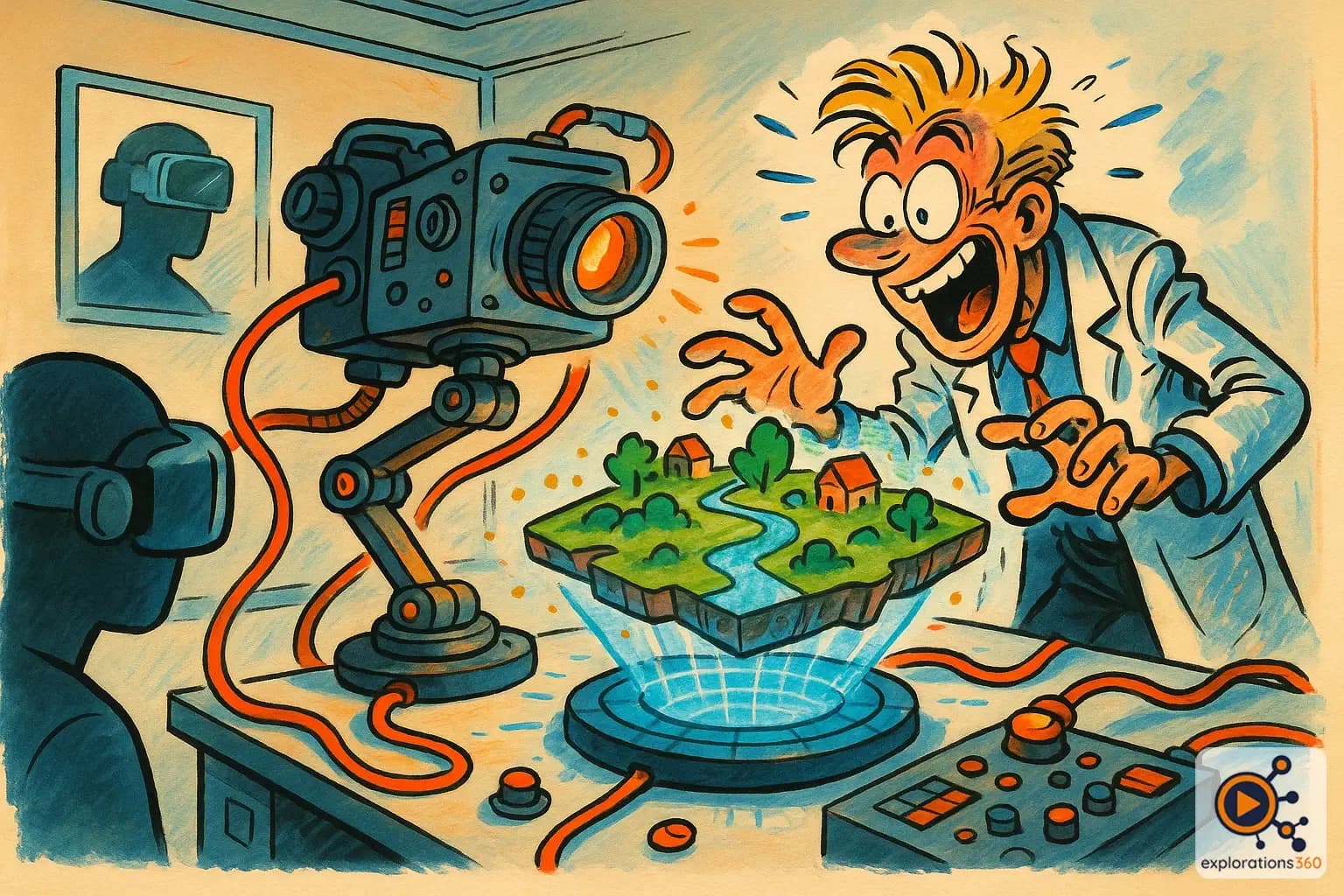
Explanation
The process of digitizing and recognizing the real-world environment, enabling a headset to understand the geometry of the space around the user.
Real-world example
Your VR headset "scanning" your living room to detect furniture and define a safe play area.
Practical applications
- Automatic guardian: the headset detects walls and obstacles to define the safe zone
- Spatial anchoring: placing virtual objects that "stay in place" in real space
- Mixed reality: the headset understands the room geometry to integrate virtual content
- 3D scanning: creating a digital model of the environment
Types of mapping
Surface mapping
- Detection of floors, walls, and ceilings
- Sufficient for guardian and basic AR
- Fast and lightweight on resources
Example: VR headset recognizing the floor and walls of your office
Volumetric mapping / Mesh
- Full 3D scan of the environment
- Enables occlusion and fine interactions
- More resource-intensive but more realistic
Example: VR headset creating a 3D mesh of your living room
VR scenario
In mixed reality, the VR headset automatically scans the office. It understands where the table, couch, and walls are. A game can then make virtual creatures appear that hide behind your real furniture — all thanks to spatial mapping.
Why it matters in professional VR
- Spatial mapping is the technical foundation of quality mixed reality
- A differentiating criterion for MR headsets: quality and speed of mapping
- Enables "context-aware" experiences that adapt to each location