

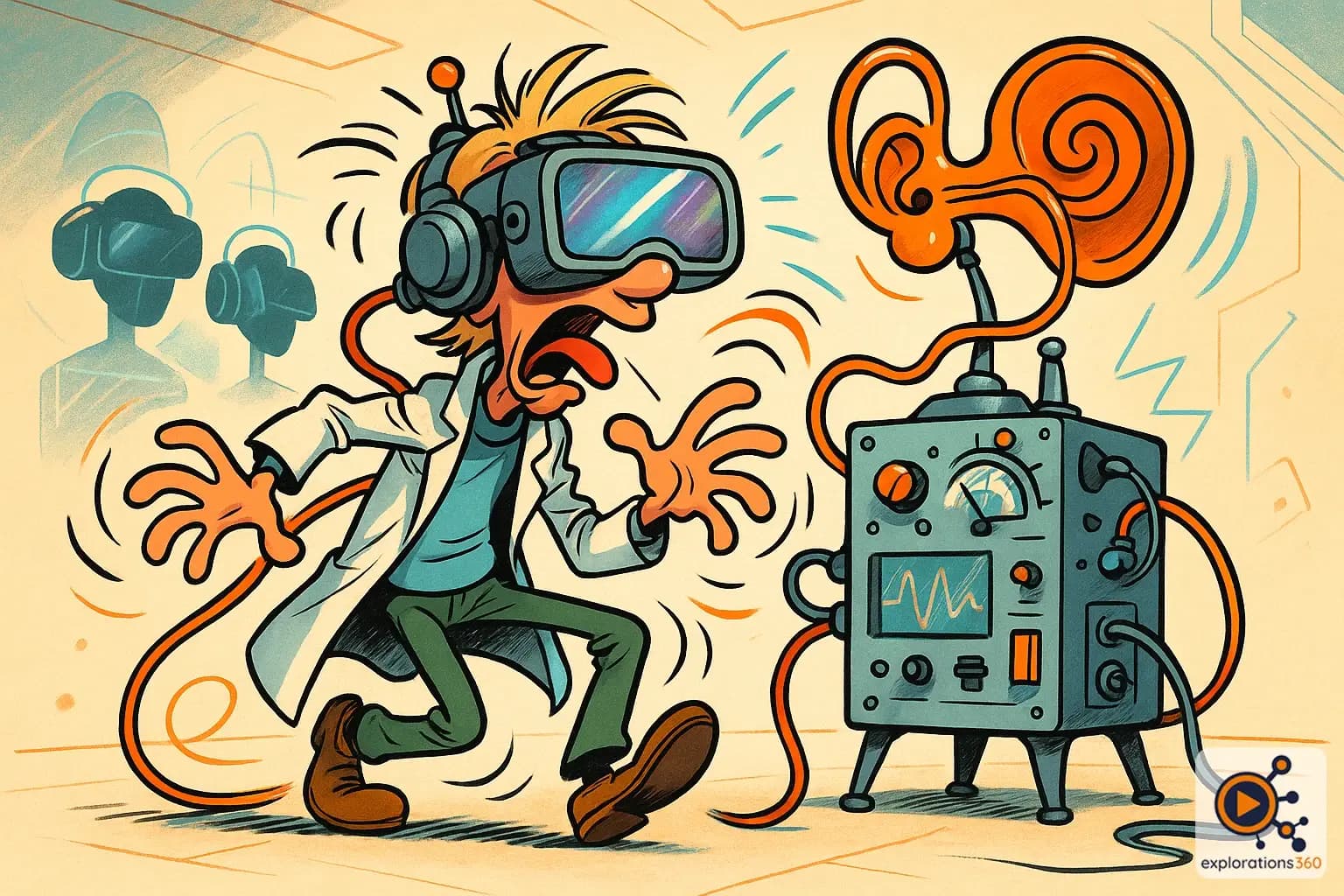
Explanation
A contradiction between visual input (what the eyes see) and vestibular input (what the inner ear's balance system senses), which is the primary physiological mechanism behind motion sickness in VR.
Real-world example
Feeling seasick while watching a boat movie on a large screen, even though you're sitting still.
Practical applications
- Understanding motion sickness: this is THE mechanism behind VR nausea
- Designing comfortable experiences: avoiding the creation of this conflict
- Choosing the right locomotion modes: teleportation, snap turn, visible cockpit
- Accommodating sensitive users: comfort options in applications
Understanding the conflict
How it works
- The eyes see movement (e.g., moving forward in VR)
- The inner ear does NOT sense this movement (body is stationary)
- The brain interprets this mismatch as potential poisoning
- Response: nausea, sweating, discomfort
Example: Driving a virtual car while sitting still in a chair
Design solutions
- Teleportation rather than smooth locomotion
- Visible cockpit or cabin (stable reference frame)
- Vignetting (reducing FOV during movement)
- Letting the user control the movement
Example: Many VR games offer these options in their comfort settings
VR scenario
In a flight simulator, the pilot "sees" a right turn but their body remains motionless — visuo-vestibular conflict triggers discomfort. Solution: a motion seat that actually tilts, or fixed visual references (cockpit) that reduce the conflict.
Why it matters in professional VR
- Understanding this conflict is essential for designing comfortable VR experiences
- Motion sickness is not inevitable: good design practices drastically reduce it
- Training project teams on these principles before creating VR content is critical