

Explanation
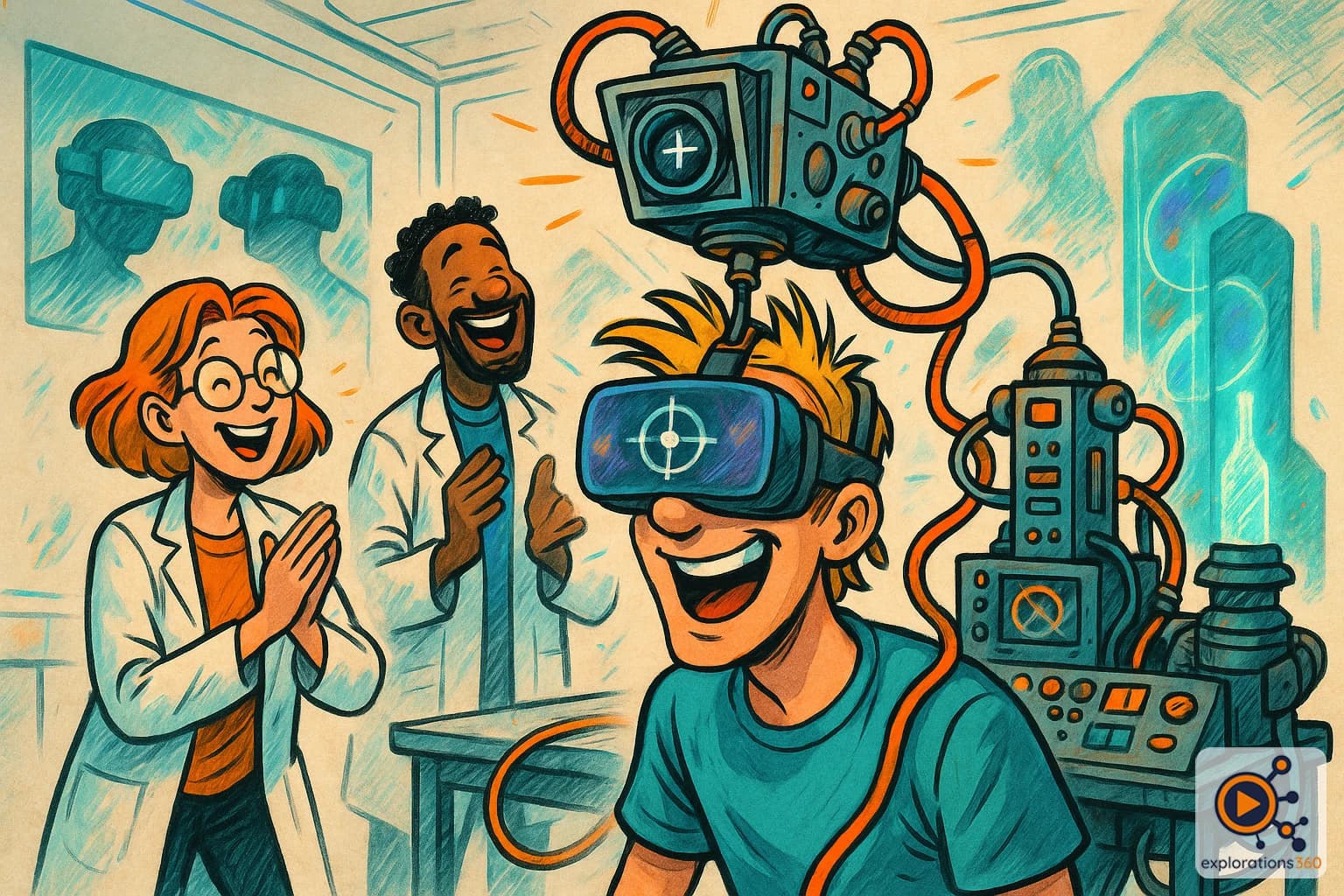
An interaction method where the user triggers actions by looking at specific objects or areas for a defined duration. It relies either on head orientation (head-gaze) or precise eye tracking (eye-gaze).
Real-world example
In a 360° virtual tour, you look at a door for 2 seconds and it opens automatically — no controller needed.
Practical applications
- Controller-free navigation in 360° experiences: look at a hotspot to activate it
- Accessibility: enabling VR interaction for users who cannot hold or operate controllers
- Medical use: patients in rehabilitation interacting with a VR environment through gaze alone
- Standalone cardboard/simple headset experiences where no controllers are available
Gaze interaction methods
Head-gaze
- Uses head orientation as a pointer
- Works on any headset (no eye tracking needed)
- Less precise — points with the center of the field of view
- Standard in mobile VR and 360° video experiences
Example: A reticle in the center of your view activates a hotspot when you look at it for 2 seconds
Eye-gaze
- Requires integrated eye tracking hardware
- Precise to within 1° — follows exact pupil direction
- Faster and more natural than head-gaze
- Enables subtle, hands-free UI interactions
Example: On a Quest Pro, looking at a button highlights it instantly and a micro-gesture confirms the action
VR scenario
In a healthcare habituation VR session, the patient — who cannot use controllers — navigates between environments simply by looking at the next destination. A gentle circular indicator fills up to confirm the gaze-triggered transition.
Why it matters in professional VR
- Gaze interaction is the most intuitive and accessible input method in VR
- It is essential for inclusive design, enabling VR for users with physical limitations
- Combined with eye tracking, it paves the way for truly hands-free immersive interfaces