

Explanation
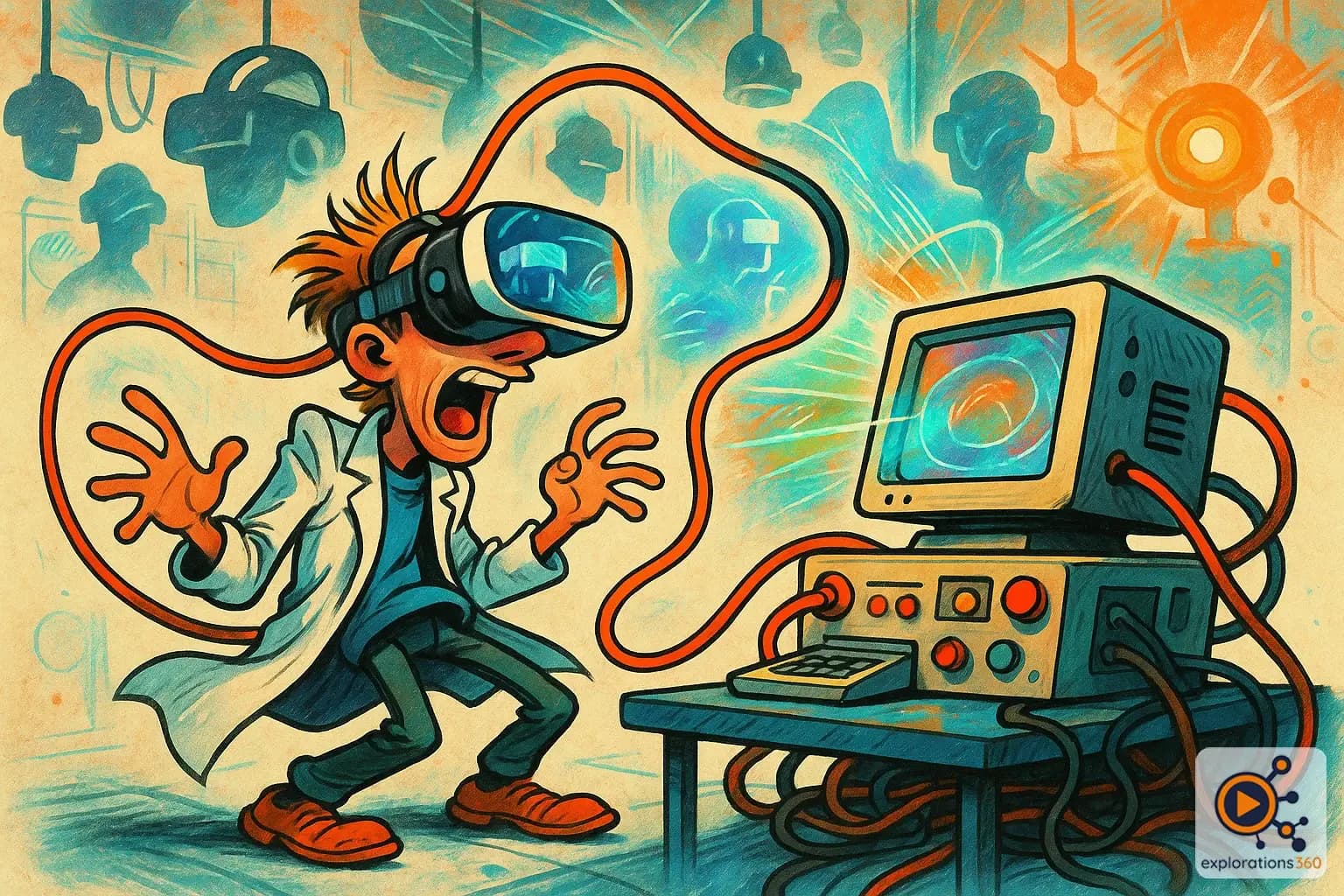
Describes a VR headset connected to a computer by cable for greater processing power.
Real-world example
A Valve Index connected to a PC versus a standalone Quest headset.
Practical applications
- Maximum power: leveraging a PC gaming GPU
- High-end graphics: ray tracing, high resolution
- Professional simulation: CAD, industrial visualization
- PC VR gaming: the most demanding titles
Tethered vs standalone comparison
Advantages of tethered
- Unlimited graphics power (desktop GPU)
- No battery constraint
- Best possible visual quality
- Potentially lower latency
Example: Flight Simulator in VR with maxed-out graphics on an RTX 4090
Disadvantages of tethered
- Cable restricts movement
- Requires a powerful PC (€1,500+)
- More complex setup
- Less portable and flexible
Example: Getting tangled in the cable while doing a 360° turn in Beat Saber
Hybrid solutions
- Quest Link: a standalone headset used in tethered mode
- Air Link / Virtual Desktop: wireless streaming from the PC
- Pulley systems for the cable
- Backpack PC for mobility plus power
Example: A Quest 3 with Air Link offering the best of both worlds
VR scenario
An architecture firm uses tethered Varjo XR-3 headsets for design reviews. The power of the workstation allows the entire building to be displayed with photorealistic materials in ray tracing. The architects remain stationary around the model, so the cable is not an issue. For client walkthroughs, they switch to standalone Quest 3 headsets, which are simpler to deploy.
Why it matters in professional VR
- Use case dependent: the choice depends on the priority (quality vs mobility)
- Evolution: standalone is gradually catching up with tethered
- Hybridization: the trend is toward headsets that can do both
- Enterprise: tethered remains dominant for demanding professional applications