

Explanation
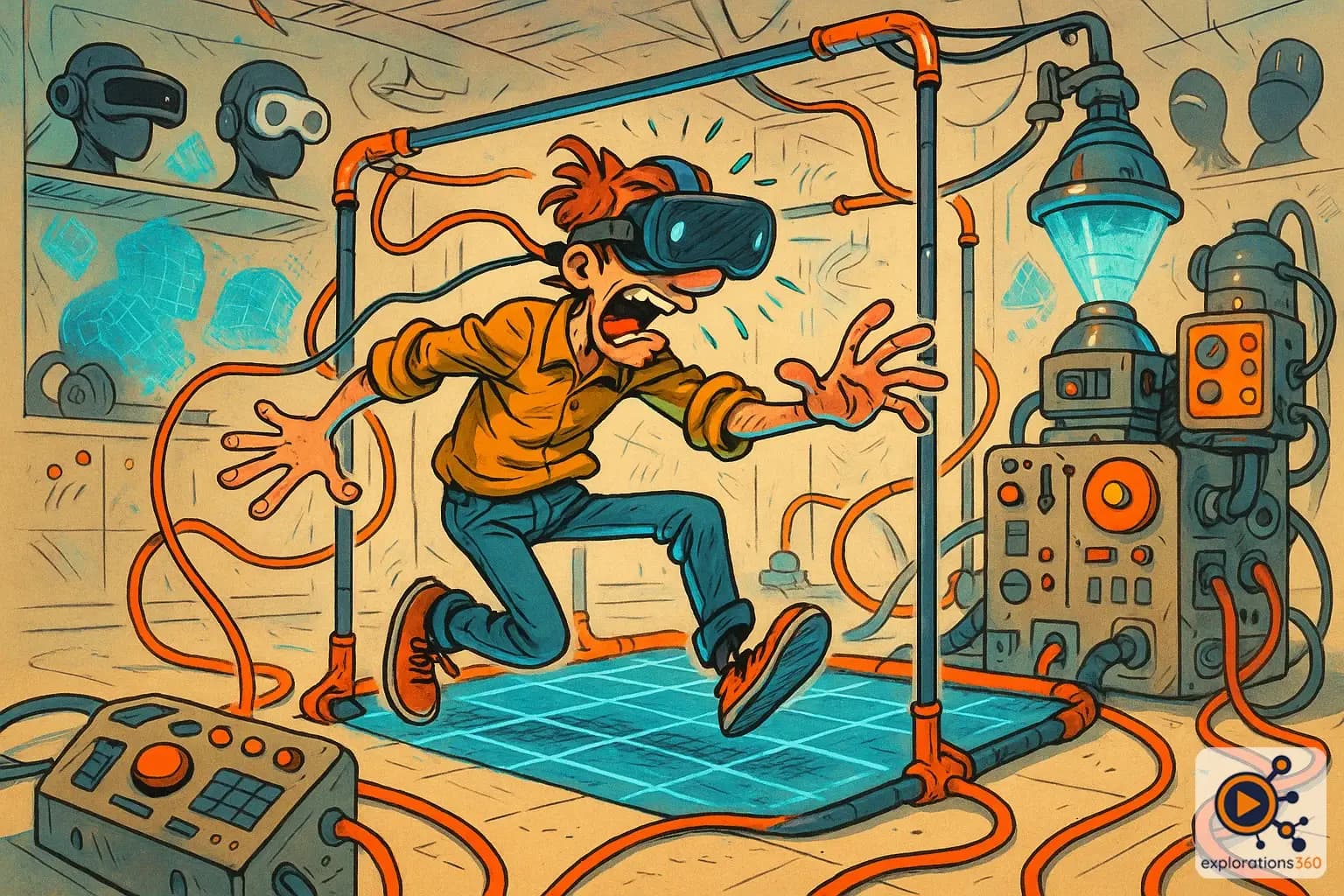
An experience that allows the user to physically move within a delimited space.
Real-world example
Being able to walk around your living room to explore a virtual cave.
Practical applications
- Natural exploration: physically walking to move through the virtual world
- Spatial manipulation: approaching an object, walking around it, viewing it from every angle
- Gestural training: practicing real movements in a virtual space
- Physical exercise: active VR games where the body truly moves
VR usage modes
Stationary (seated/standing in place)
- The user stays in one spot
- Virtual movement via locomotion (joystick, teleportation)
- Requires little space
Example: Flight or driving simulator
Room-scale (movement within the room)
- Physical walking = virtual walking
- Maximum immersion, no movement-related motion sickness
- Requires a clear space (2 m × 2 m minimum recommended)
Example: A virtual tour where you wander freely
VR scenario
In an industrial inspection training, the technician walks physically around the virtual equipment. They crouch to inspect the underside and stand on tiptoe to see the top. The gestures are natural and memorable.
Why it matters in professional VR
- Room-scale offers maximum immersion: virtual gestures = real gestures
- Drastically reduces motion sickness (no vision/movement mismatch)
- Must be planned from the design stage of the VR usage space