

Introduction
Looking for an easy way to manage your VR stories on your easybox360?
In this tutorial, we guide you step by step through importing and updating your VR content from the easystory360 platform directly onto your easybox360, so that your headsets and tablet are always ready with your latest immersive content.
Video tutorial
What you will learn
- How to check the publication status on easystory360
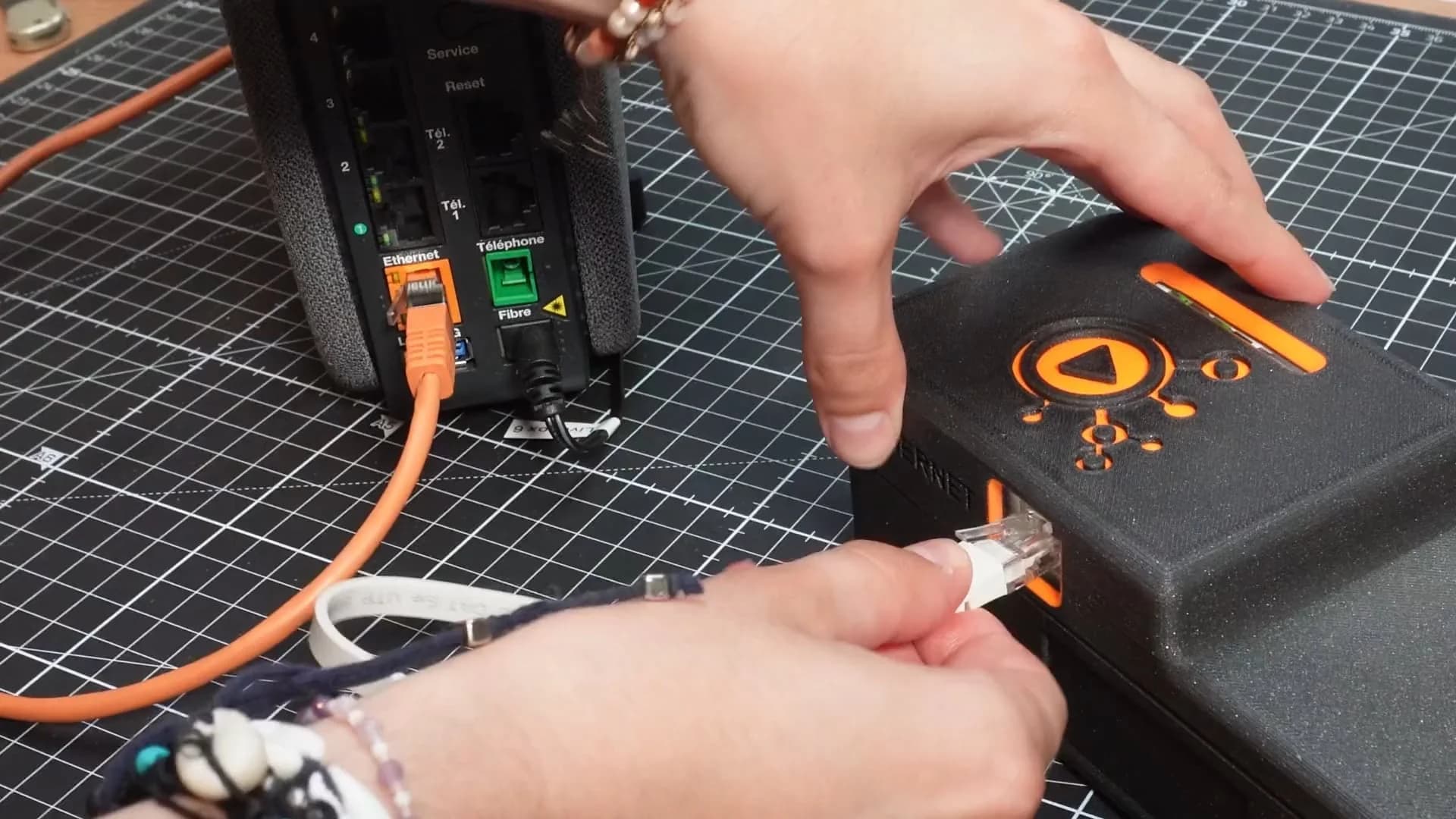
- How to connect your easybox360 to the Internet
- The correct procedure for downloading and updating content on your tablet
- How to efficiently send your VR stories to your headsets
- Best practices for organizing your content groups for smooth navigation
Tips for optimal performance
Before syncing: Always check the publication status of your stories on easystory360 before starting the synchronization.
Large video files: Prefer updating large video files one at a time to avoid overloading the tablet.
Organization: Arrange your content into groups for clear and intuitive navigation for your users.
Use cases
Whether you use VR for training, marketing, orvirtual tours, this tutorial will help you keep your content up to date and your immersive experiences running smoothly.
Watch the video all the way through to discover every publishing option and ensure your VR stories are ready for your next immersive session.
Additional resources
Share this article: