

Introduction
Are you a videographer wondering which resolution to use for your 360° videos on the Pico G3 and easybox360? This guide provides the key recommendations to achieve the best possible quality.
Recommended Resolutions
Monoscopic 360° Video
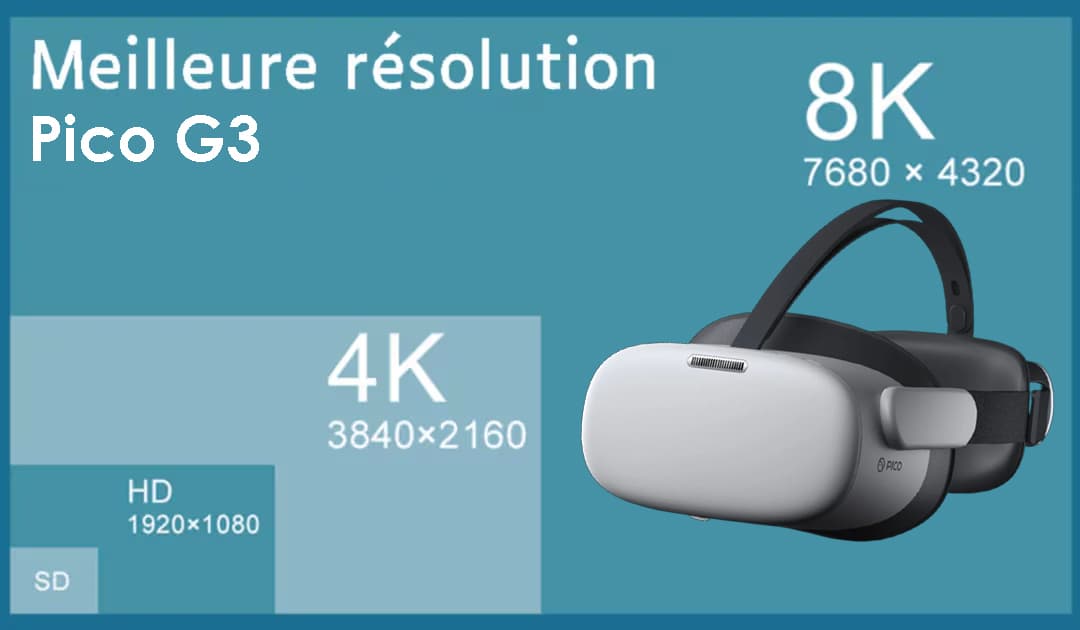
Monoscopic video (2D spherical) is the most common format for 360° experiences. The Pico G3 can decode up to 8K thanks to the Snapdragon XR2.
| Parameter | Recommended | Maximum |
|---|---|---|
| Resolution | 5120 × 2560 | 8192 × 4096 |
| Framerate | 30 FPS | 60 FPS |
| Codec | H.265 (HEVC) | H.265 |
| Bitrate | 30-50 Mbit/s | 100 Mbit/s |
Stereoscopic 360° Video (3D)
Stereoscopic video provides a sense of depth by using two separate images (one for each eye).
| Parameter | Recommended | Maximum |
|---|---|---|
| Resolution | 4096 × 4096 | 5760 × 5760 |
| Framerate | 30 FPS | 60 FPS |
| Codec | H.265 (HEVC) | H.265 |
| Format | Top-Bottom or Side-by-Side | - |
| Bitrate | 40-60 Mbit/s | 100 Mbit/s |
Pico G3 Technical Specifications
The Pico G3 is a professional 3DoF headset optimized for enterprise deployments:
- Processor: Snapdragon XR2 (Kryo 585, 8 cores, 2.84 GHz)
- Display: 3664 × 1920 total (1832×1920 per eye), 773 PPI
- Refresh rate: 72 Hz / 90 Hz
- Memory: 6 GB RAM LPDDR4x / 128 GB storage UFS 3.1
- Field of view: 98°
- Tracking: 3DoF (orientation only)
- Battery: 5300 mAh (Quick Charge 3.0)
- Connectivity: Wi-Fi 6, Bluetooth 5.1
Supported Codecs
The Pico G3 supports the following video codecs with hardware decoding:
- H.264 (AVC): universally compatible, recommended to avoid artifacts
- H.265 (HEVC): better compression, ideal for high resolutions
- VP9: open-source alternative to H.265
Resolution vs Performance
- Better battery life: lower power consumption
- Less overheating: extended comfort for the user
- Fewer artifacts: smoother and more stable playback
- Longer sessions: ideal for training and exhibitions
For professional use cases (training, exhibitions), go with 5K@30FPS in H.265for a stable and enjoyable experience.
Recommended Export Settings
Here is a summary of the optimal settings for exporting to the Pico G3:
| Parameter | Value |
|---|---|
| Resolution | 5120 × 2560 (mono) / 4096 × 4096 (stereo) |
| Framerate | 30 FPS (recommended) / 60 FPS (max) |
| Video codec | H.265 (HEVC) or H.264 |
| Profile | Main or Main 10 |
| Bitrate | 30-50 Mbit/s (VBR recommended) |
| Audio codec | AAC, 48 kHz, stereo |
| Container | MP4 |
Pico G3 Decoding Limits
The Snapdragon XR2 in the Pico G3 has the following decoding capabilities:
| Content type | Max resolution |
|---|---|
| Mono 360° video | 8192 × 4096 px |
| Stereo 360° video | 5760 × 5760 px |
| Max bitrate | 100 Mbit/s |
| Max framerate | 60 FPS |
Production Workflow
- Shooting: film at the maximum resolution of your 360° camera
- Editing: work in your native resolution
- Export: apply the recommended settings listed above
- Metadata injection (optional): use the Google Spatial Media Metadata Injector tool so the video is recognized as 360°.Not required for easystory360.
- Test on headset: verify the final result on the Pico G3
- Upload to easystory360: integrate your video into your experience