

Introduction
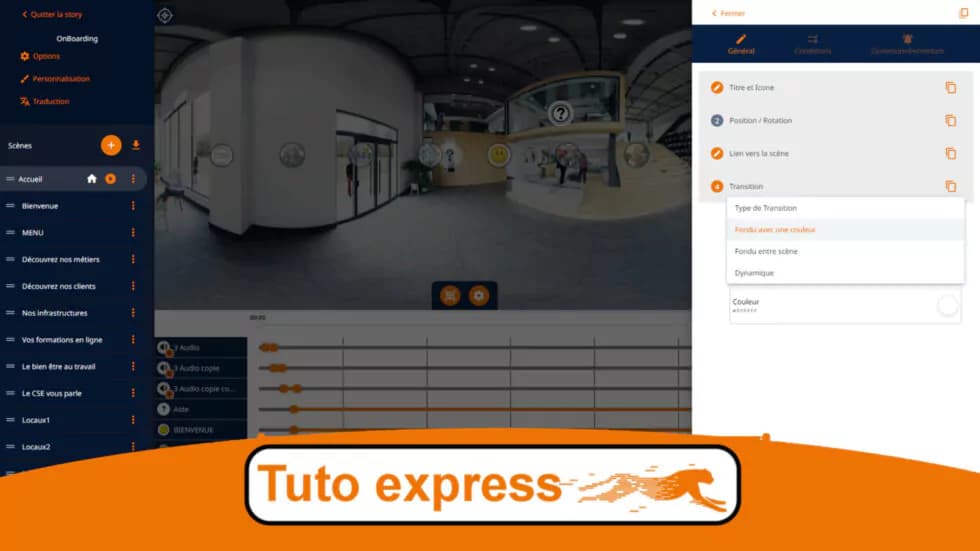
The power of a 360° experience lies in its ability to create interactive journeys. By linking your scenes together, you allow your visitors to navigate freely through your virtual environment, just like during a real visit.
This feature is essential for creating virtual tours,immersive training experiences, or engaging cultural experiences.
How scene-to-scene navigation works
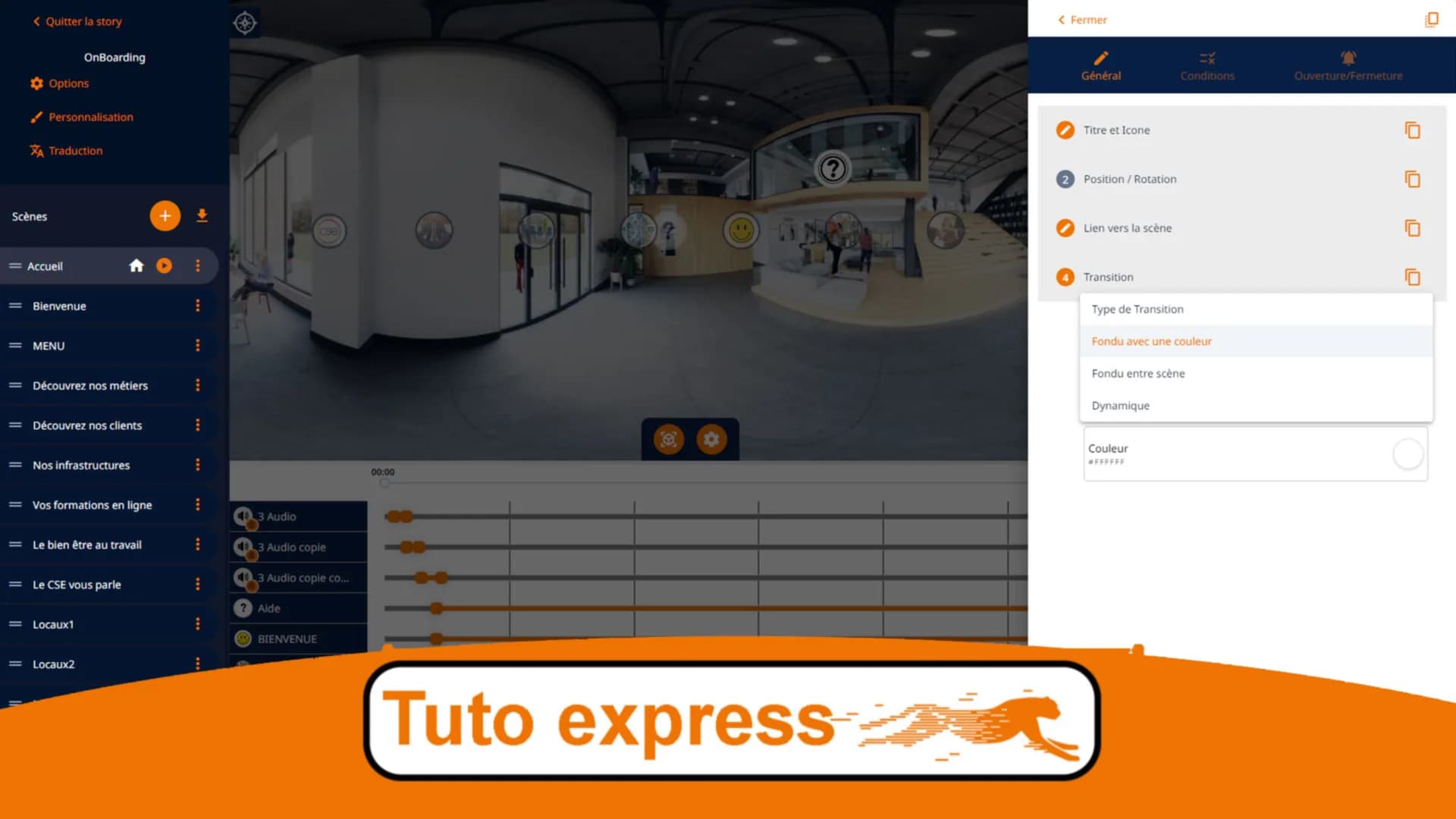
Within your stories, you can move from one scene to another by adding a simple navigation button (hotspot). This button, placed at a strategic location in your scene, allows the visitor to "move" to another scene.
For example, in an apartment tour, you can place a hotspot in front of a door to let the visitor access the next room.
Video tutorial
Watch this quick tutorial to learn how to create links between your scenes:
Steps to create a link
- Open your story in the easystory360 editor
- Select the source scene (the one where you want to add the link)
- Click on "Add a hotspot"
- Choose the "Navigation" type
- Position the hotspot at the desired location in the scene
- Select the destination scene from the list
- Configure the initial viewing angle of the target scene (optional)
- Save your changes
Customizing hotspot appearance
You can customize the look of your navigation buttons:
- Icon: choose from predefined icons (arrow, door, stairs...)
- Color: match the color to your brand guidelines
- Size: adjust the size for the desired visibility
- Animation: enable an animation to draw attention
- Tooltip: add text that appears on hover
Best practices
- Logical placement: place hotspots where users would naturally expect to be able to move (in front of doors, along hallways...)
- Visual consistency: use the same hotspot style throughout your story for a seamless experience
- Starting angle: configure the initial viewing angle of the destination scene to naturally orient the visitor
- Bidirectional links: remember to add a return link to allow navigation in both directions
Use cases
| Industry | Example use |
|---|---|
| Real estate | Navigating between rooms of a property |
| Tourism | Guided tour of a historic site |
| Training | Exploring a work environment |
| Culture | Virtual museum tour with free-roam navigation |
Going further
Now that you know how to create links between scenes, discover how to:
- Create your first story and scene
- Publish and share your story
- Add informational hotspots (text, image, video)